使用 Vovsoft Image to PDF Converter 你可以轻松地将图片转换为 PDF。使用内置文件浏览器选择多个文件,或通过 Windows 资源管理器拖放文件,即可将图片添加到任务列表中。只需将图片文件(JPG、TIF、PNG、GIF、BMP)添加到列表中,然后点击 "创建 PDF "按钮,本软件就会直接将图片转换为 PDF 文档。
![Vovsoft Image to PDF Converter - 将图片转换为 PDF 文档[Windows] Vovsoft Image to PDF Converter - 将图片转换为 PDF 文档[Windows]](https://freeapp.macapp8.com/vovsoft-image-to-pdf-converter.png?imageView2/2/w/1920#)
获取地址:https://vovsoft.com/giveaway/free-image-to-pdf-converter-2024/
截止时间:2024 年 1 月 28 日

![限时免费获取 Steam 游戏 Fast car simulation[Windows]-反斗限免](https://freeapp.macapp8.com/5477460header.webp)
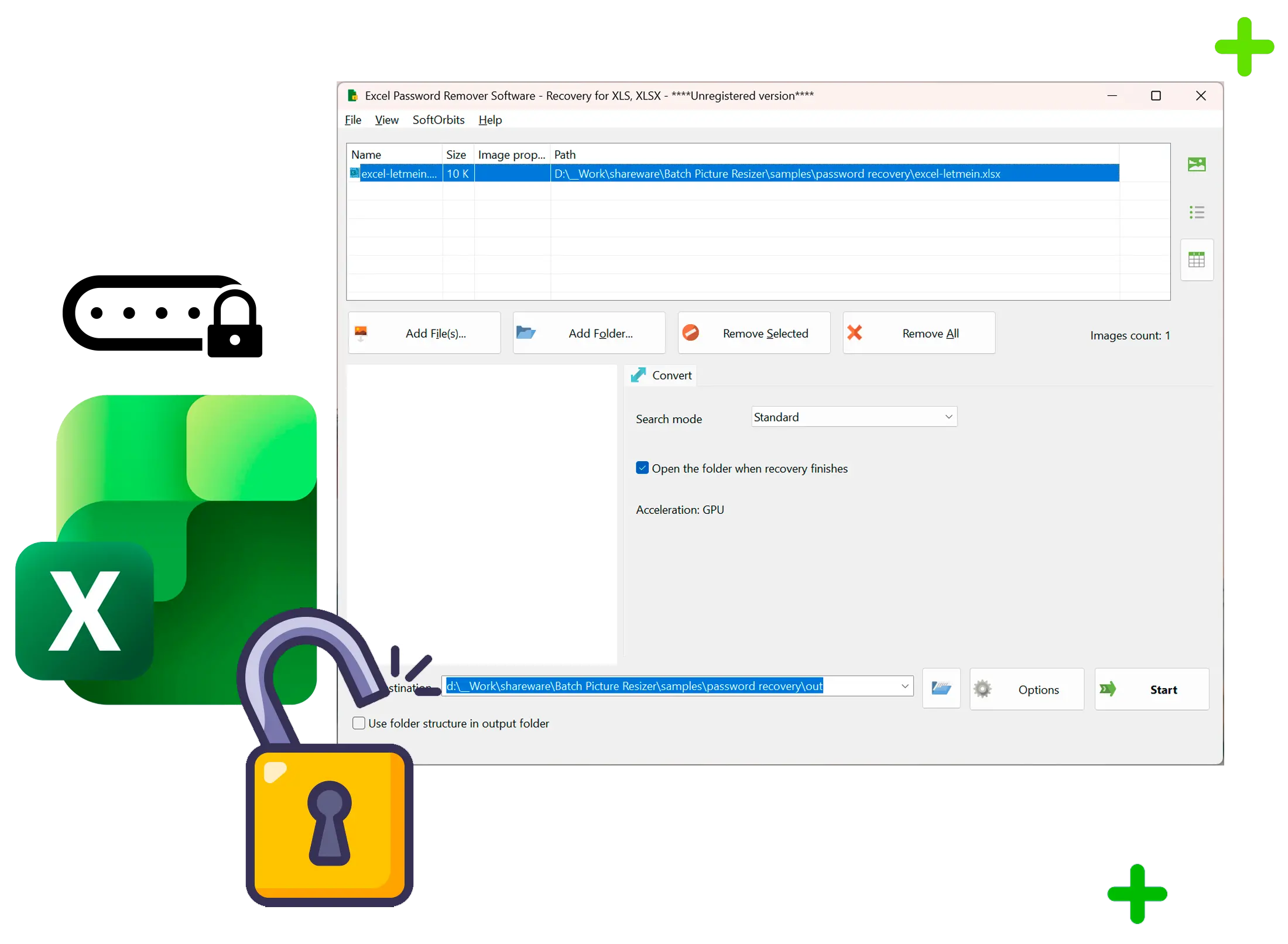
![Excel Password Recovery - Excel 密码恢复工具[Windows][$7.5→0]-反斗限免](https://freeapp.macapp8.com/excel-password-recovery-main-en.5000w.webp)
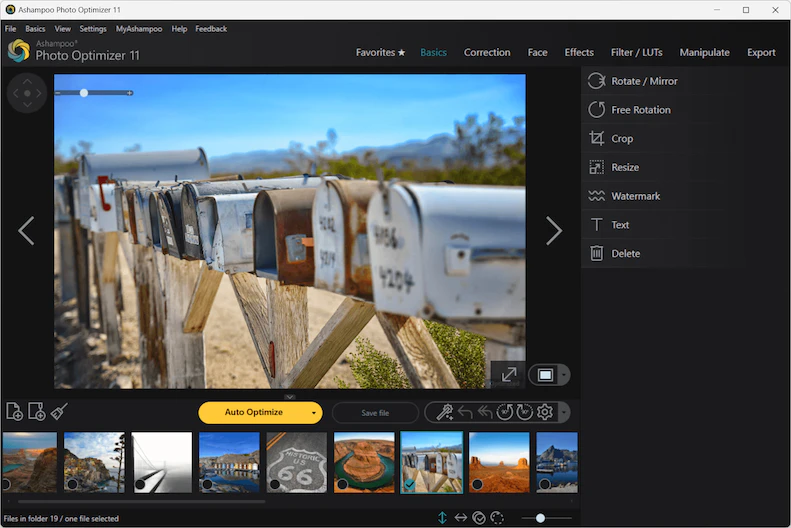
![Ashampoo Photo Optimizer 11 – 图片优化软件[Windows][$39.99→0]-反斗限免](https://freeapp.macapp8.com/scr-ashampoo-photo-optimizer-11-basics.webp?imageView2/2/w/1920#)
![Print Multiple Web Pages – 同时打印多个网页[Windows][$19→0]-反斗限免](https://freeapp.macapp8.com/print-multiple-web-pages-vovsoft.webp?imageView2/2/w/1920#)
![限时免费获取游戏 Paranormal Pursuit: The Gifted One[Windows][$9.99→0]-反斗限免](https://freeapp.macapp8.com/4e3f58ea6d7b322be554653fea6be3a1.jpeg?imageView2/2/w/1920#)
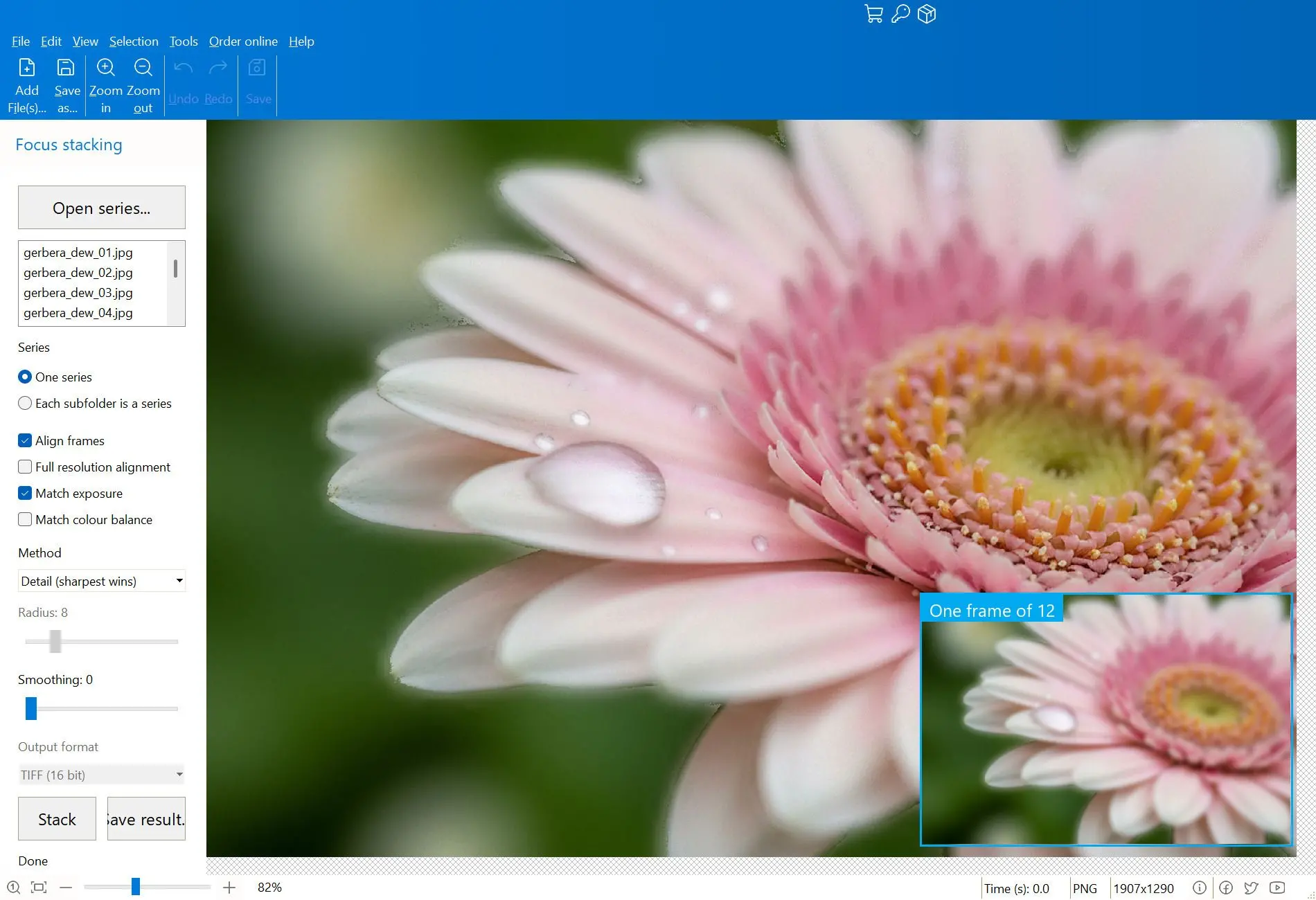
![Focus Stacker Pro - 将多张照片合成为一张清晰照片[Windows][$15→0]-反斗限免](https://freeapp.macapp8.com/focus-stacking-main-en.5000w.webp)
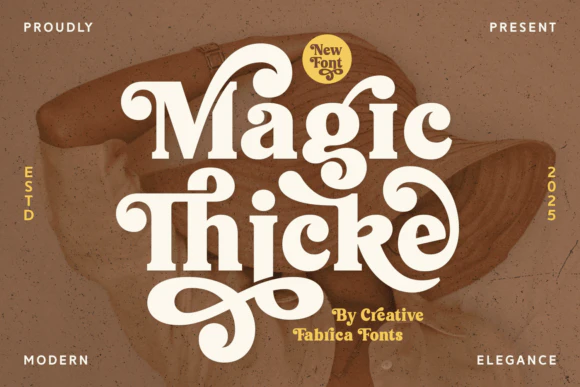
![限时免费获取字体 Magic Thicke[Windows、macOS]-反斗限免](https://freeapp.macapp8.com/Magic-Thicke-Fonts-129821504-1-1-580x387.webp)
![限时免费获取 Steam 游戏 Ancient Warrior[Windows]-反斗限免](https://freeapp.macapp8.com/5444510header.webp)